Print Full Cable Documentation
 Index
Index- Fully Document Cables for your Own Records, or for your Customer's
- Provide Quality Certification for Each Cable Tested
- Simply Load Cable, Test, and Print!
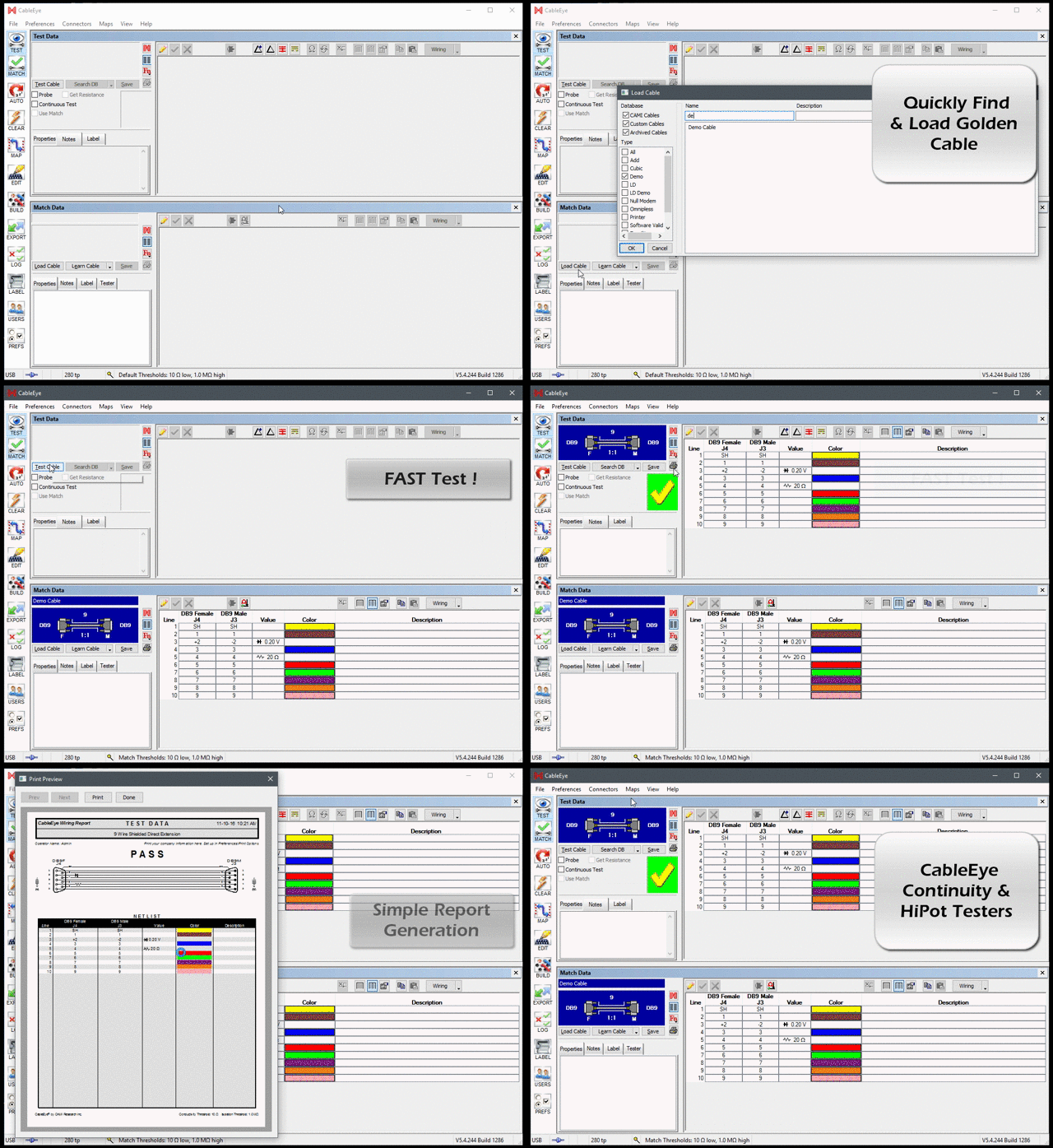
For hard copy, one simple command lets you create a crystal-clear graphic wiring diagram on any printer. Your descriptive notes, label text, and wire list are all printed on the same sheet for convenient reference. This helps to support the documentation and traceability requirements of ISO9000 and other quality standards, as well as providing a clear written record of any cable's wiring for your or your customer's benefit. You may also print reports as .pdf files for electronic distribution, or automatically save them to an archival database.
Standard, 'Out-of-the-box', Customizable Reports: Samples

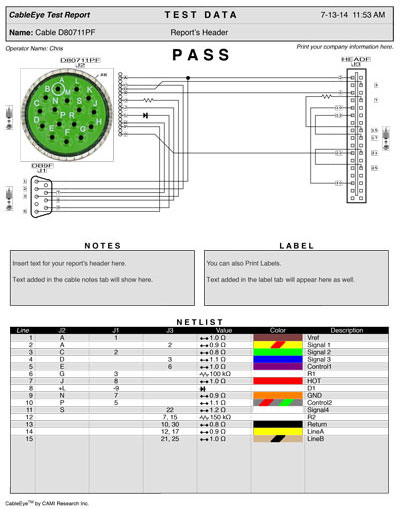
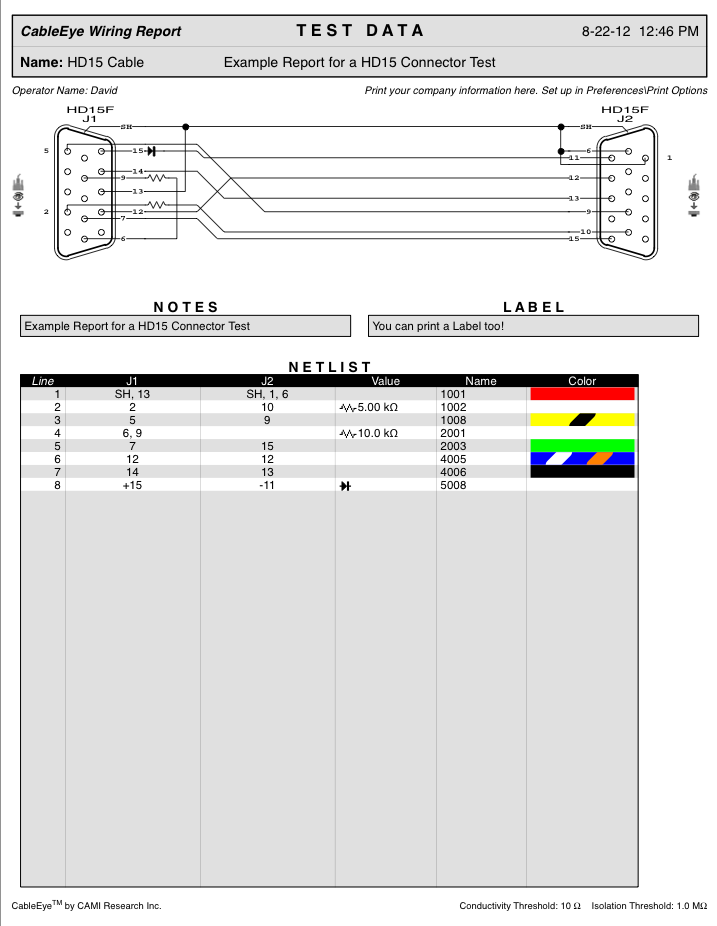


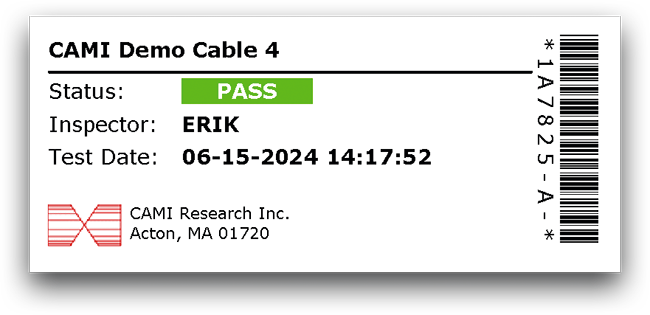
Standard, 'Out-of-the-box', Labels: Samples
- Print a single label on demand.
- Print one label at a time as cables are tested.
- Print a batch of labels for use at a later time.
- Automatically print serial number, date, and time stamp on each label.
For each cable, customizable label text is stored in the database along
with wirelist, schematic, and descriptive notes, and may be loaded
at any time.
Keep a dedicated label printer connected to your PC while your network printer
is used strickly for documentation or log reports.
The example below shows labels printed for individual or batch labeling. The size, spacing, and number of labels is easily adjusted.

When you use an automatic test sequence to test, the "COUNT"
variable, which tracks the number of cycles in a test procedure,
may be placed within the label text to generate serialized
labels at the time of printing. For example, if the label text
is:
"Part Number GB581<COUNT>CL"
the value of the COUNT variable is inserted into the text at
the time of printing. If the COUNT variable were "15"
initially, the following sequence would be produced:
Part Number GB58115CL
Part Number GB58116CL
Part Number GB58117CL
etc.
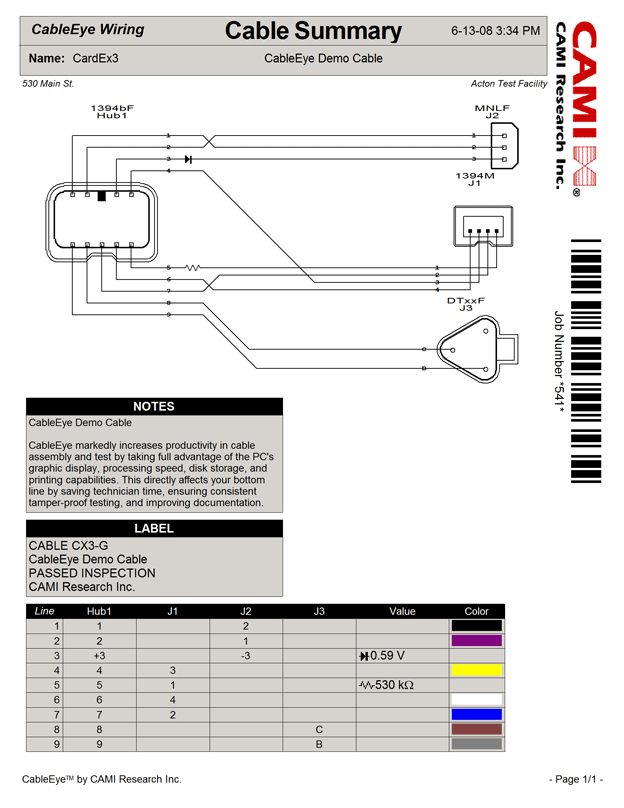
Custom Reporting/Labeling Add-On Option: Samples
- Define your own layout to satisfy your customer's reporting requirements.
- Add company logo or any image, bar code fields, custom title blocks and more.
- Applies to all kind of reports, including Test Reports, Difference Reports, Batch Reports.
- Design reports in ANY target language and use scripting to choose which report to be printed automatically.
Harness Low Voltage Test
Individual or Batch Labelling
Easily Design Reports in any Language


